
Strava offers a free account that provides access to a stable set of features: GPS tracking of activities, social feed, kudos, basic segments, and training history. The paid version adds analysis and planning tools, but the free account meets the daily tracking needs for a large portion of users.
Privacy and Security on Free Strava
A point rarely addressed in free/paid comparisons concerns the security features available without a subscription. Strava provides all its users with automatic home blurring, configurable privacy zones, and fine-tuned activity sharing settings.
These options comply with GDPR requirements in Europe. Specifically, a free user can hide the start and end points of their outings within a defined radius, choose who sees their activities, and restrict the visibility of their profile.

The ability to use Strava without a subscription while protecting personal data is a tangible advantage compared to other GPS applications that sometimes reserve these settings for their premium offers.
Free Features of Strava: What Remains Usable Daily
The free account retains GPS tracking of your outings (running, cycling, hiking, swimming, and dozens of other sports). Each activity displays the distance, elevation gain, duration, and average pace or speed.
The news feed functions like a sports social network. You can see your friends’ outings, comment, and give kudos. Membership in clubs remains free, which maintains the community effect.
Here are the features accessible without payment:
- Complete GPS tracking with route map, basic data (distance, elevation gain, pace), and synchronization with most watches and bike computers
- Access to segments: you can see your times on segments, but global rankings and advanced filters are reserved for the subscription
- Unlimited access to activity history, with the possibility to export your data in GPX or FIT format
- Social feed, kudos, comments, and participation in clubs
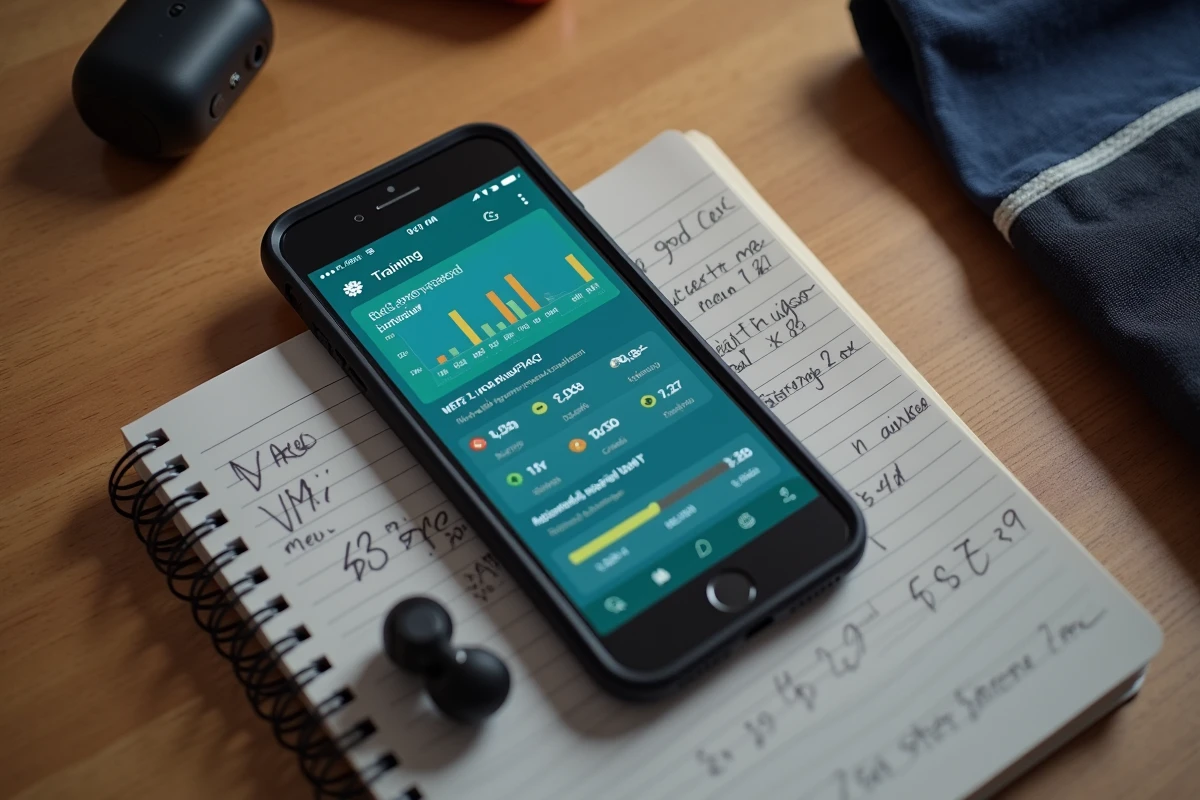
The training log remains functional for tracking the consistency of your sessions. You lose the detailed view of training load and long-term progress graphs, but week-by-week tracking remains readable.
Concrete Limitations of the Free Strava Account
The most visible restriction affects segments. Without a subscription, you do not have access to filtered rankings (by age, weight, period) or the Live Segments feature that compares your performance in real-time with your personal record.
Route planning is absent from the free version. The route creation tool requires a subscription, forcing free users to map their routes on other applications and then import them manually.
Structured training plans, personalized goals, and advanced data analysis (power, heart rate by zones, fitness, and freshness) also disappear. For a cyclist or runner looking to deeply analyze their training data, this limitation is significant.
Uncertainty About the Longevity of Free Features
Strava’s terms of service specify that the platform may modify, limit, or remove features from the free version at any time, without compensation. This clause creates a risk for anyone who bases their entire sports tracking on the free account. For several years, Strava has gradually moved functions that were previously free to the subscription.
Combining Free Strava with External Analysis Tools
A documented approach on running and cycling forums is to keep Strava for its social layer (activity feed, segments, clubs) while exporting data to third-party analysis platforms.
Tools like GoldenCheetah or Runalyze allow you to import GPX or FIT files exported from Strava to access progress graphs, training load analysis, and advanced metrics, all for free.
This combination requires a bit of manipulation: regularly exporting your activities, importing them into the chosen tool, and sometimes setting up automatic synchronization via third-party services. The result provides access to a depth of analysis comparable to that of the Strava subscription, without recurring fees.
- Free Strava for recording, social, and basic segments
- GoldenCheetah (open-source software) for power analysis and planning
- Runalyze (free web platform) for tracking training load, advanced statistics, and long-term trends
Limitations of This Hybrid Approach
Synchronization is not always smooth. Some tools require regular manual export. The learning curve of GoldenCheetah can discourage users who simply want to view their data without technical setup.
The other constraint is the dependence on Strava’s export format. If the platform ever restricts access to data export for free accounts, the entire hybrid strategy collapses.
The free Strava account remains a solid tool for sports and social tracking for users who do not need route planning or in-depth analysis. Exporting data to third-party platforms compensates for some limitations, provided one is willing to accept a bit of technical friction and the uncertainty related to future changes in the terms of service.